

Download Fullspeed PC – Computer Performance, System Maintenance, Error Scanning, Registry Repair, PC Optimization
Overview
Fullspeed PC is a mobile application designed to assist users in maintaining optimal performance and stability for their computing devices. Although the app is labeled as mobile, its core functionality centers on system diagnostics and optimization, targeting issues that commonly affect computer performance over time. The application enables users to detect and resolve errors through two distinct scanning modes: normal and advanced. This dual-scan approach allows for both broad system checks and targeted repairs in critical areas such as the registry and system libraries. The tool is particularly useful for individuals seeking to improve their device’s responsiveness, reduce crashes, and extend hardware longevity.
Target users include general consumers, home users, and individuals with limited technical expertise who wish to perform routine system maintenance without requiring in-depth knowledge of computer systems. The app’s intuitive interface is structured to guide users through the scanning and repair process with minimal friction, making it accessible across various skill levels. While the developer, Fullspeed PC, has not provided additional background details, the app’s long-standing presence since its release on June 1, 2011, suggests a consistent focus on reliability and user-centric design.
Real-world use cases include regular system health checks, troubleshooting sluggish performance, and preparing devices for demanding tasks such as gaming or multimedia editing. In the broader app ecosystem, Fullspeed PC occupies a niche as a lightweight utility tool that complements more comprehensive system management software. Its continued availability as a free application underscores its role as an accessible entry point for users interested in proactive computer care.
Key Features & Functionality
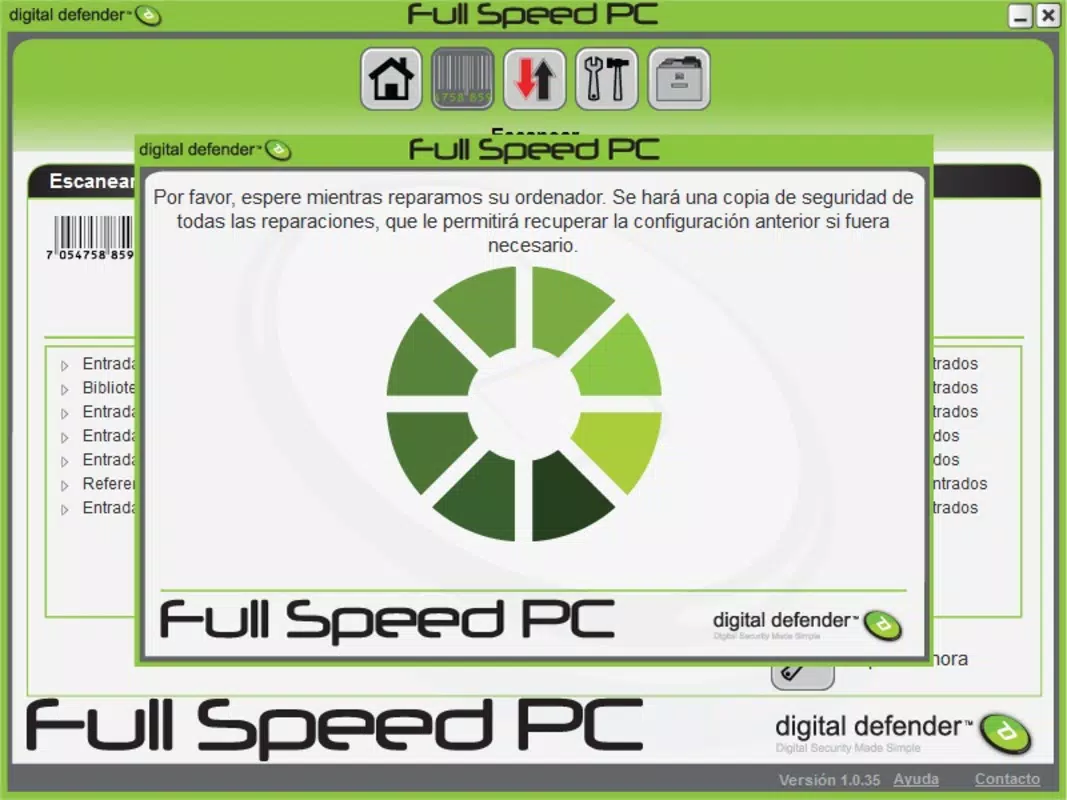
- Two-Mode Scanning System: Fullspeed PC offers a normal scan that evaluates the entire system for errors and an advanced scan that focuses on high-impact areas like the registry and system libraries. This enables users to balance speed and thoroughness based on their needs.
- Fast Scan Execution: Scans typically complete within one to two minutes, ensuring minimal disruption to user workflows. The app dynamically adjusts scan duration based on detected anomalies, initiating longer processes only when necessary.
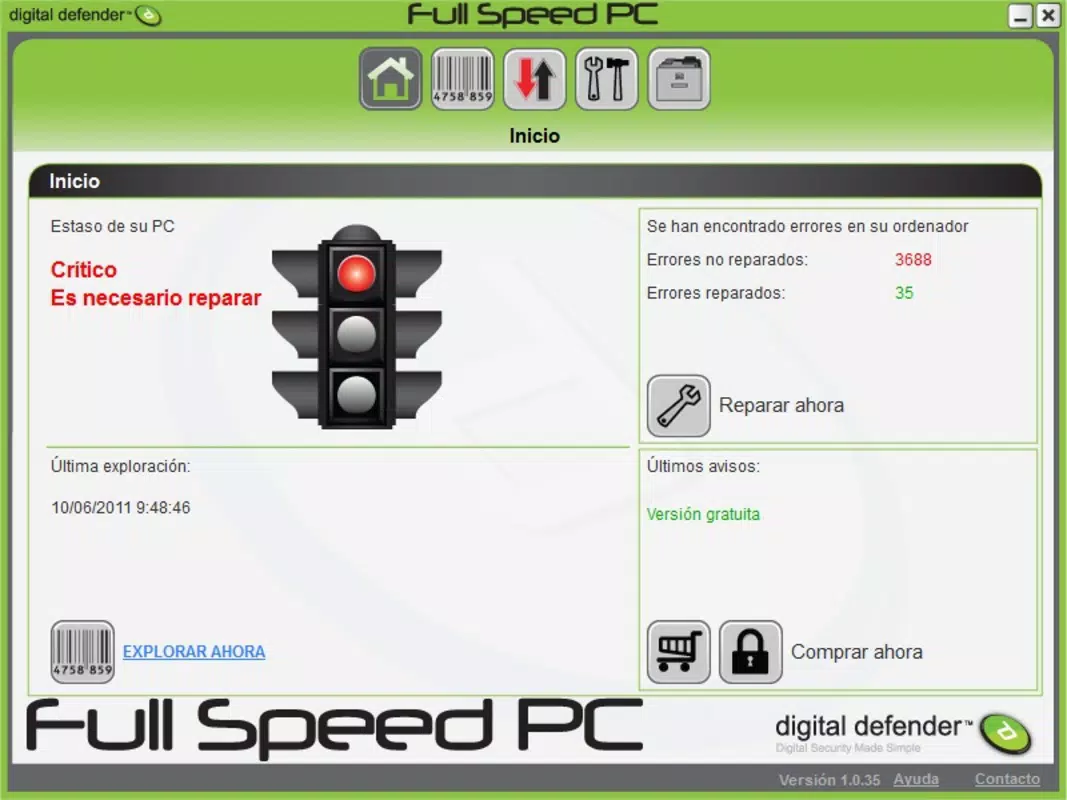
- Comprehensive Error Reporting: After each scan, users receive a detailed report listing all identified issues. This transparency allows users to review, prioritize, and selectively repair problems, promoting informed decision-making.
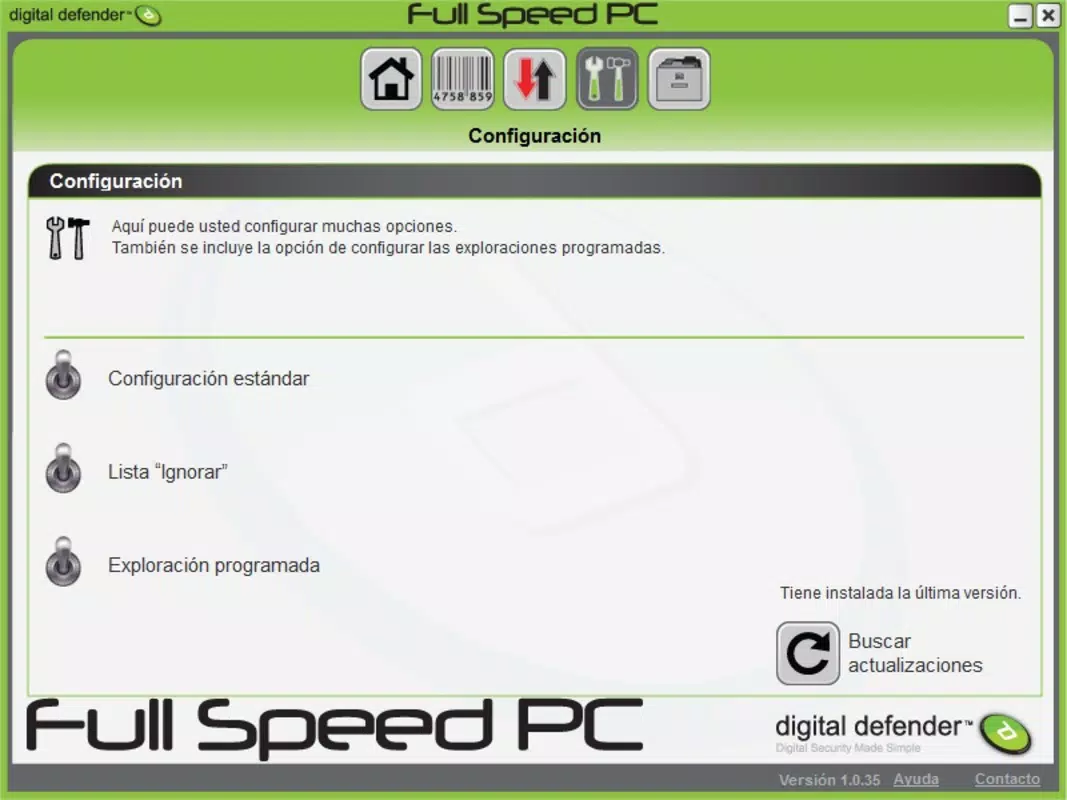
- Intuitive User Interface: The app’s layout is designed for simplicity and clarity, minimizing the learning curve. Navigation is straightforward, with clearly labeled functions that guide users through each step of the maintenance process.
- Proactive System Maintenance: By enabling regular diagnostics, Fullspeed PC helps users prevent performance degradation. Consistent use may contribute to improved system stability and reduced unexpected crashes over time.
For example, a user experiencing slow startup times could run a normal scan to detect common issues. If problems persist, switching to the advanced scan may reveal deeper registry inconsistencies. The detailed report would then allow them to address only the most critical errors, avoiding unnecessary changes. This structured approach supports both novice and intermediate users in managing their system health effectively.
Interface, UX & Performance
The user interface of Fullspeed PC reflects a minimalist design philosophy, emphasizing clarity and functionality. The layout is organized around core actions—initiating a scan, viewing results, and selecting repairs—ensuring a logical flow from start to finish. Visual elements are consistent and easy to interpret, with clear icons and text labels that support usability across age groups and technical backgrounds.
Navigating through the app is straightforward, with minimal taps required to begin a scan or access the error report. The app responds promptly to user inputs, indicating a stable and responsive interaction model. Although the developer did not list formal performance metrics, the app’s ability to complete scans in under two minutes suggests efficient resource management and low overhead.
Performance across different device categories is not explicitly documented. However, the app’s file size of 12.5 MB indicates a lightweight footprint, which likely contributes to smooth operation on a wide range of Android devices. The absence of reported crashes or instability issues in public records implies a level of reliability, though real-world testing across diverse hardware remains unverified. Overall, the UX is optimized for accessibility, making it suitable for users who value simplicity and quick results.
Platform Compatibility & Technical Requirements
Fullspeed PC is available on the Android platform. The current version is 1.0.0, with a file size of 12.5 MB. The developer did not specify minimum OS requirements or compatibility details for specific Android versions. As such, users should ensure their device meets general Android system standards for running applications of this size and type.
Given the app’s release date of June 1, 2011, and its continued availability, it may support older Android versions, but this is not confirmed. Users are advised to check compatibility with their device’s operating system before installation. The app is distributed as a free tool, with no in-app purchases or subscription models reported. Its lightweight nature suggests it can function on devices with modest hardware specifications.
Pros and Cons
- Free to download and use without hidden costs
- Two scanning modes offer flexibility for different maintenance needs
- Scans complete quickly, minimizing user downtime
- Clear, intuitive interface suitable for non-technical users
- Provides detailed error reports for informed repair decisions
- Developer did not provide detailed technical specifications
- Compatibility with specific Android versions not disclosed
- No information on update frequency or long-term support
- Performance on low-end devices not verified
- Limited visibility into repair success rates or system impact
FAQ
Is Fullspeed PC safe to install on my Android device?
Yes, Fullspeed PC is available as a free application with no reported malware or security risks. However, users should download it only from trusted sources to ensure the integrity of the file.
Can Fullspeed PC improve my computer’s performance?
While the app is designed for system maintenance, it operates on Android devices. It may help optimize the device’s performance by identifying and resolving software-level issues, but it does not directly affect desktop or laptop computers.
How often should I run a scan with Fullspeed PC?
Users may run scans periodically—such as weekly or monthly—based on their device usage. Regular maintenance can help maintain system stability and prevent performance degradation.
Does Fullspeed PC require special permissions?
The developer did not disclose specific permissions required by the app. Users should review access requests during installation and ensure they align with the app’s stated functionality.
Is Fullspeed PC compatible with all Android devices?
Compatibility information was not fully disclosed. While the app’s small size suggests broad compatibility, users should verify their device’s OS version and hardware capabilities before installing.
Final Thoughts
Fullspeed PC presents a straightforward solution for users seeking to maintain their device’s performance through regular system checks. Its dual-scan functionality, rapid execution, and user-friendly design make it a practical tool for individuals who want to take control of their device’s health without technical complexity. While the lack of detailed technical documentation and compatibility data limits deeper evaluation, the app’s long-standing presence and free availability highlight its reliability and accessibility.
It is best suited for Android users who value simplicity, quick diagnostics, and proactive maintenance. For those looking to enhance their device’s responsiveness and prevent future issues, Fullspeed PC offers a low-risk, easy-to-use option. With its minimal resource footprint and clear interface, it stands out as a dependable utility in the Android tools category.
Download Fullspeed PC now


